9:45 a.m. Sundays — Google Meet Room opens
10:15 a.m. Sundays — Worship service begins
Click here:
How to Join Us Remotely
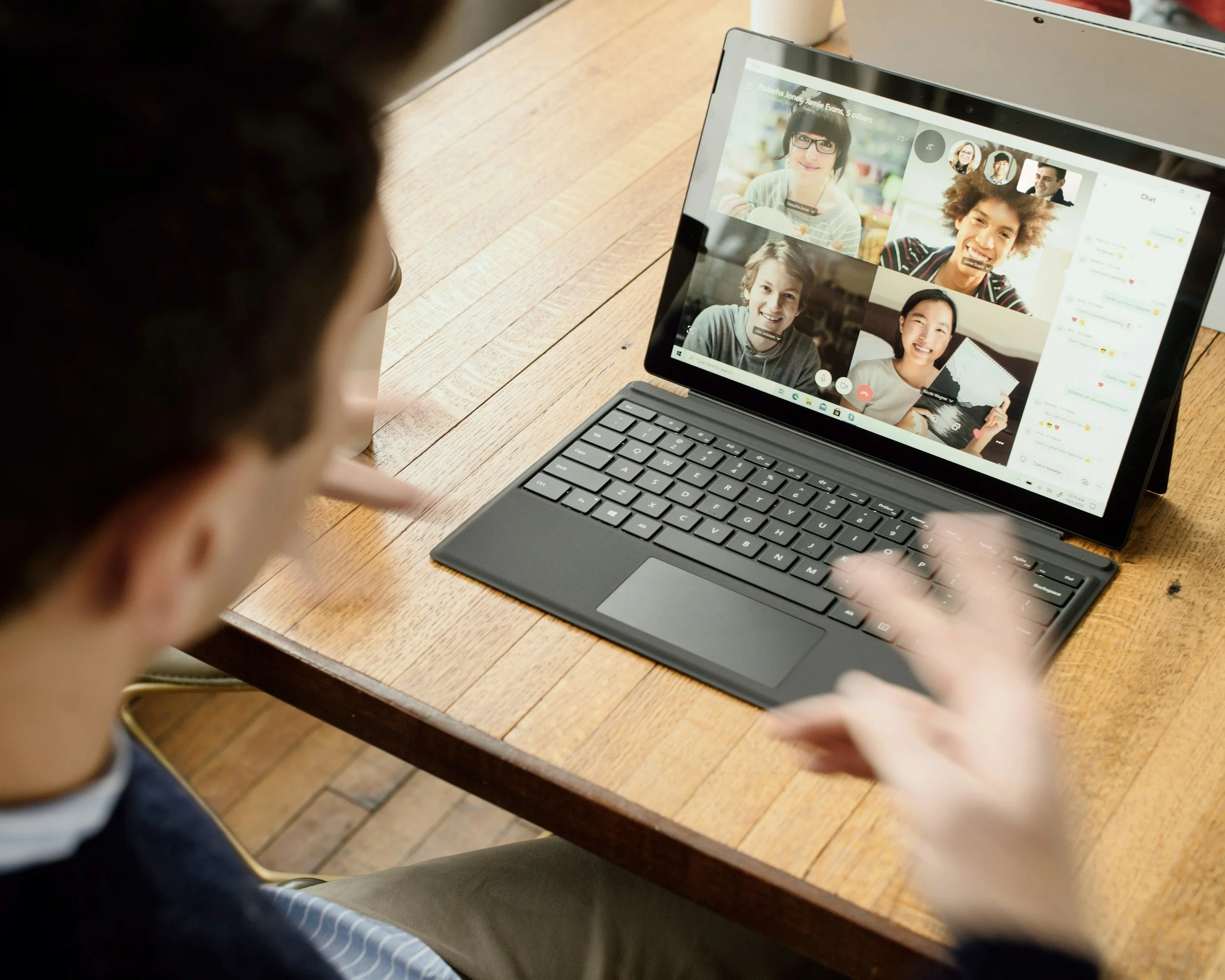
We aim to make experiencing Church of the Living Hope as easy as possible. Whether you’re just looking to try us out, or you live at a distance from us, or whatever your reason is— join us through our secure connection.
All you’ll need is a phone or computer/ tablet with a camera.
Some tips for joining us via Google Meet:
We've learned a few things about how to make your Google Meet experience best for you and for all:
Arrive in the Meet room early -- ten or fifteen minutes before we start. That way, if there's a problem, we can get it figured out. The Meet room opens at 9:45a.m. on Sunday mornings. Clicking on the link brings you into the “waiting room” and you can adjust your settings there.
If it’s your first time, let us know via the contact form that you’ll be coming, so we can welcome you! You can keep your camera off if you prefer.
Do you have two people coming in remotely from one address? Use one, not two devices if you are in the same room as each other; otherwise, there's too much feedback and echo. You're probably ok if you have two devices in two different rooms.
Remember, we're in the Eastern time zone, so plan accordingly.
If you need to arrive late, that's ok, just kindly mute your mike and be aware that others are worshiping.